 TerminalNexus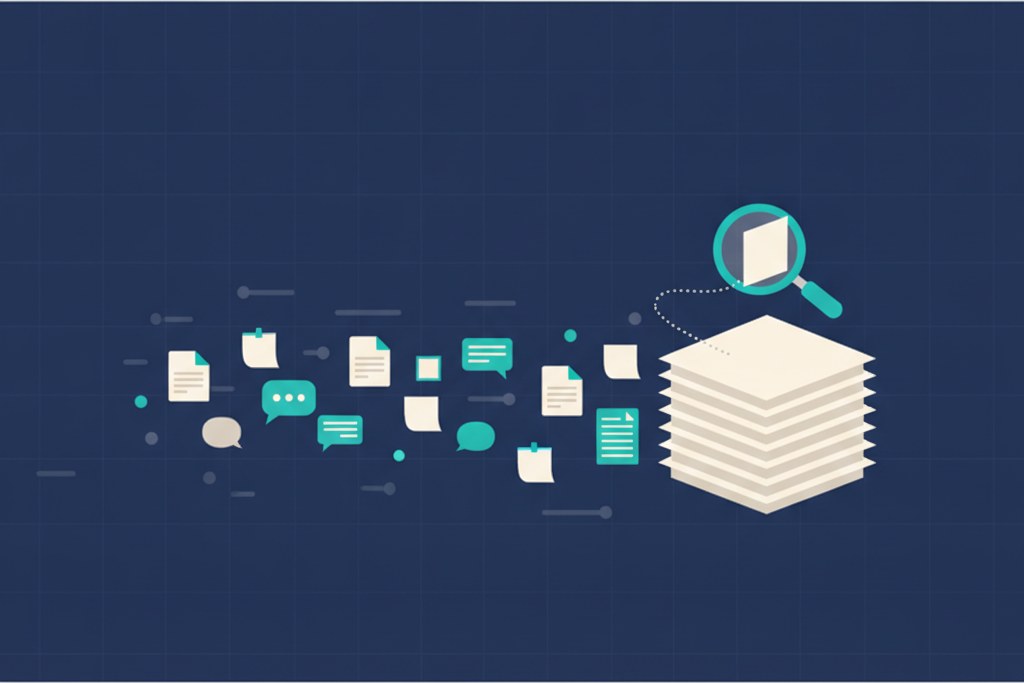
I wanted my homelab assistant to actually remember things. Not just answer the question in front of it, but find the note I wrote three weeks ago, or the decision I made in some chat I can no longer place. The standard answer to that is a vector database. Embed everything, search by meaning. OpenClaw, the multi-agent setup I used to run, ships its own version of this called QMD, and it's the default everyone reaches for. I ran it for a while. Then it sank in that it was doing far more than my homelab actually needed.
The heavy default
QMD is the semantic memory behind OpenClaw. It embeds all your notes into vectors, runs a reranker model on top to sharpen the results, and reindexes on a schedule so new material becomes searchable. As a piece of tech it's genuinely impressive, and at a certain scale it earns its place. The catch is what it costs to run. The embedding and the reranker want real horsepower, and the reindex never really stops. On my box it looped over every agent every hour, and the log it wrote grew past a hundred megabytes every few days just from the progress output. It worked. It was also a lot of machine for what I was asking of it.
Why it didn't fit a homelab
Most of us running a homelab, a small VPS, or a Mac mini in a closet do not have a spare GPU sitting around to crunch embeddings all day. And even with one, do you want it pinned doing that around the clock so a chat assistant can do fuzzy recall? I didn't. My server is a plain box with Intel integrated graphics and no discrete GPU at all.
The bigger thing is I didn't actually need meaning-search across a giant corpus. I needed the right handful of notes at the right moment. That is a much smaller problem than the one QMD is built to solve, and solving a small problem with a heavy tool is how a homelab quietly turns into a space heater.
What I built instead
So I built something lighter, in two layers.
The first layer is a plain concept index. No model, no embeddings, no GPU, just text. It reads every note and every past session and builds a map of what each one is about. That alone covers most of what I ask for, the same way grep and a sane folder structure get you surprisingly far before you need anything clever.
The second layer is a small embedding model that runs on the CPU. It's tiny, a few hundred dimensions, and it gives me meaning-based matches when the exact words don't line up. A search for "message my wife" finds my note about the Signal setup even though those words aren't in it. The two layers run together, keyword first, meaning second, and everything gets ranked into one list.
It indexes more than notes. It folds in my past sessions and even the raw back and forth from Telegram and my other chats, so the assistant can find a decision I only ever made out loud and never wrote down properly. The whole thing rebuilds once a day on a timer. Embedding around a hundred entries takes about ten seconds on the CPU. No GPU ever spins up, because there isn't one to spin.
How Claude Code uses it
When I ask Claude Code something on the box, it doesn't re-read my whole vault. It runs the recall step, pulls the few entries that actually match, and works from those. I do all of this from TerminalNexus, SSH'd into the server, which is where I run the box day to day anyway. The indexing ticking over quietly on a schedule is what makes it feel like memory instead of a search box I have to feed by hand.
The takeaway
You probably don't need a vector database and a GPU to give a homelab assistant a memory. That's the real point. The heavy stack is the default because it's impressive, and because the people who build these platforms run them at a scale where it pays off. At homelab scale it's mostly burned electricity.
A concept index, plain text search, and a small CPU model you can run on anything will cover almost everything until you genuinely hit tens of thousands of documents or need deep semantic recall. Reach for the heavy thing when you can show you need it, not before.
That's the setup I landed on, and it's been running quietly every day since. If you're wiring up memory for your own box and staring down a GPU requirement you're not sure you need, try the light version first.
Comments